
Start with the invoices.
Bring in supplier PDFs or photos. Keep the original documents together with your records.
THE AI PURCHASING LEDGER FOR RESTAURANTS
Upload your supplier invoices. AI reads and organizes the details into a searchable purchasing ledger—without you typing every line into a spreadsheet.
See purchasing trends, know when you paid more or less, and start managing inventory.
Your own purchasing ledger. Built from your invoices.
Different invoices.
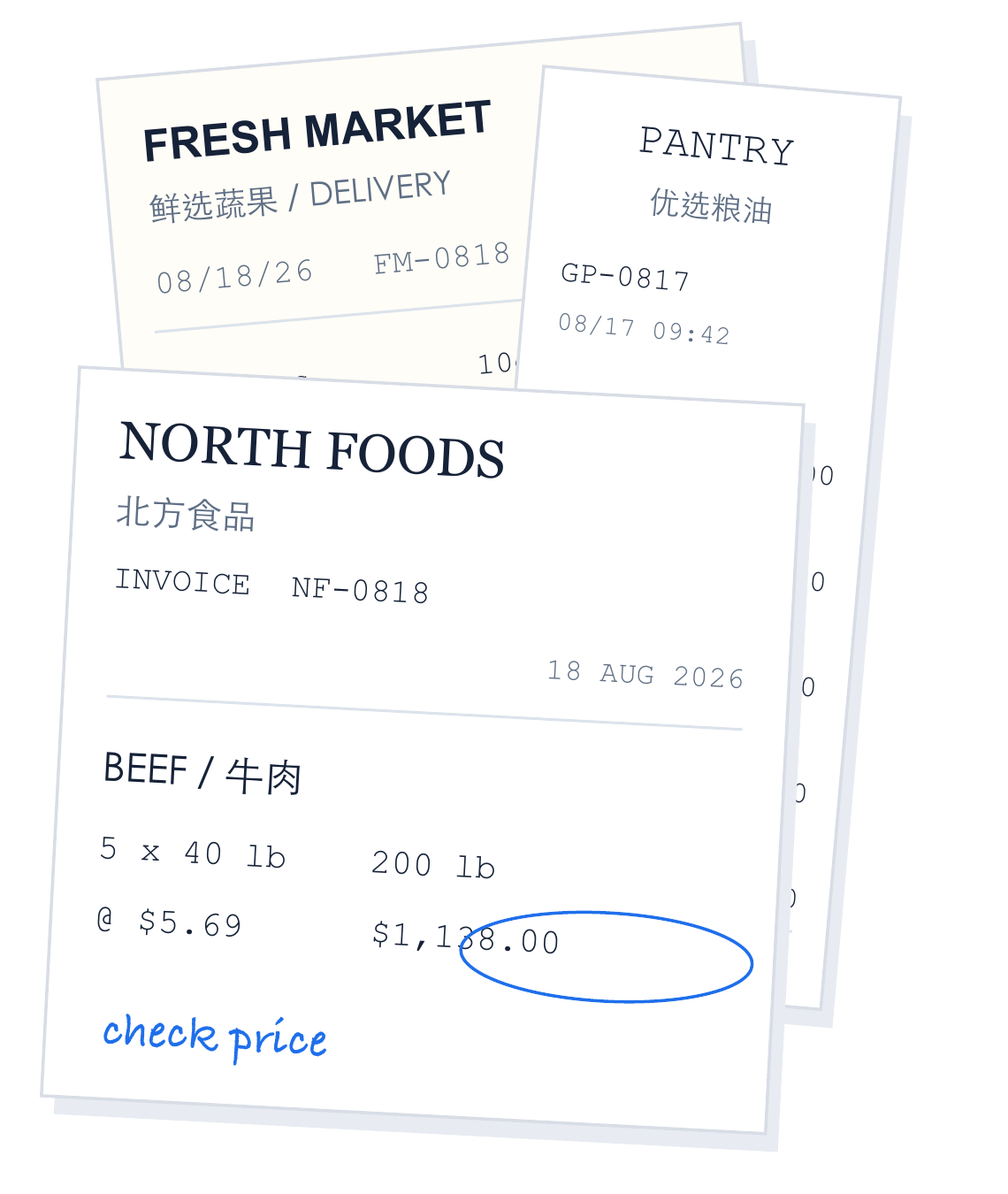 PDFs · Photos · Scans
August 2026 · Purchase records
| Date | Purchase | Amount |
|---|---|---|
| 08/18 | Beef · 200 lbNorth Foods | $1,138 |
| 08/18 | Tomatoes · 10 csFresh Market | $207 |
| 08/17 | Olive oil · 8 csGreen Pantry | $264 |
| 08/16 | Chicken · 6 csNorth Foods | $432 |
Every purchase links to its invoice
See where your spend goes
Compared with your last price
Confirm receiving. Update stock.
AI handles the transcription. Your team checks the details.
Bring in supplier PDFs or photos. Keep the original documents together with your records.
Supplier names, items, pack sizes, quantities, and prices become structured purchase details.
Review the extracted details and save. Each invoice adds to a consistent, searchable purchasing history.

A RECORD OF EVERYTHING YOU BUY
Every invoice adds context: what you bought, who supplied it, which location it was for, and what it cost. Keep that knowledge in a ledger your team can search and use.
ONE LEDGER. MORE WAYS TO USE IT.
Start with the AI ledger. Extend it with the capabilities your restaurant needs.
Turn supplier documents into structured purchasing data, with a review step before saving.
Find purchases by supplier, item, date, or location. Keep records available beyond month-end.
Compare like-for-like purchasing units and investigate changes against your own history.
Open the original invoice behind a record and export your purchasing records to Excel.
Turn reviewed invoice details into stock-in records. Confirm receiving before inventory changes.
Support dispatch, receiving, and differences, with configured workflows such as Restaurant365 sync.
Available with the relevant modules and configuration.
LET’S TALK ABOUT YOUR RESTAURANT
Tell us a little about your team. We’ll show you how AI capture, a connected purchasing ledger, and the right workflows can fit your day.
A personal walkthrough, built around what you want to explore.
Prefer to write to us directly? niening@trusslogic.ai